 REPLASH
Six simple steps. Zero complexity for your team.
From kick-off to replay — REPLASH handles everything in between. Below: each step explained, with Marco's real Tuesday night padel match as a concrete example.
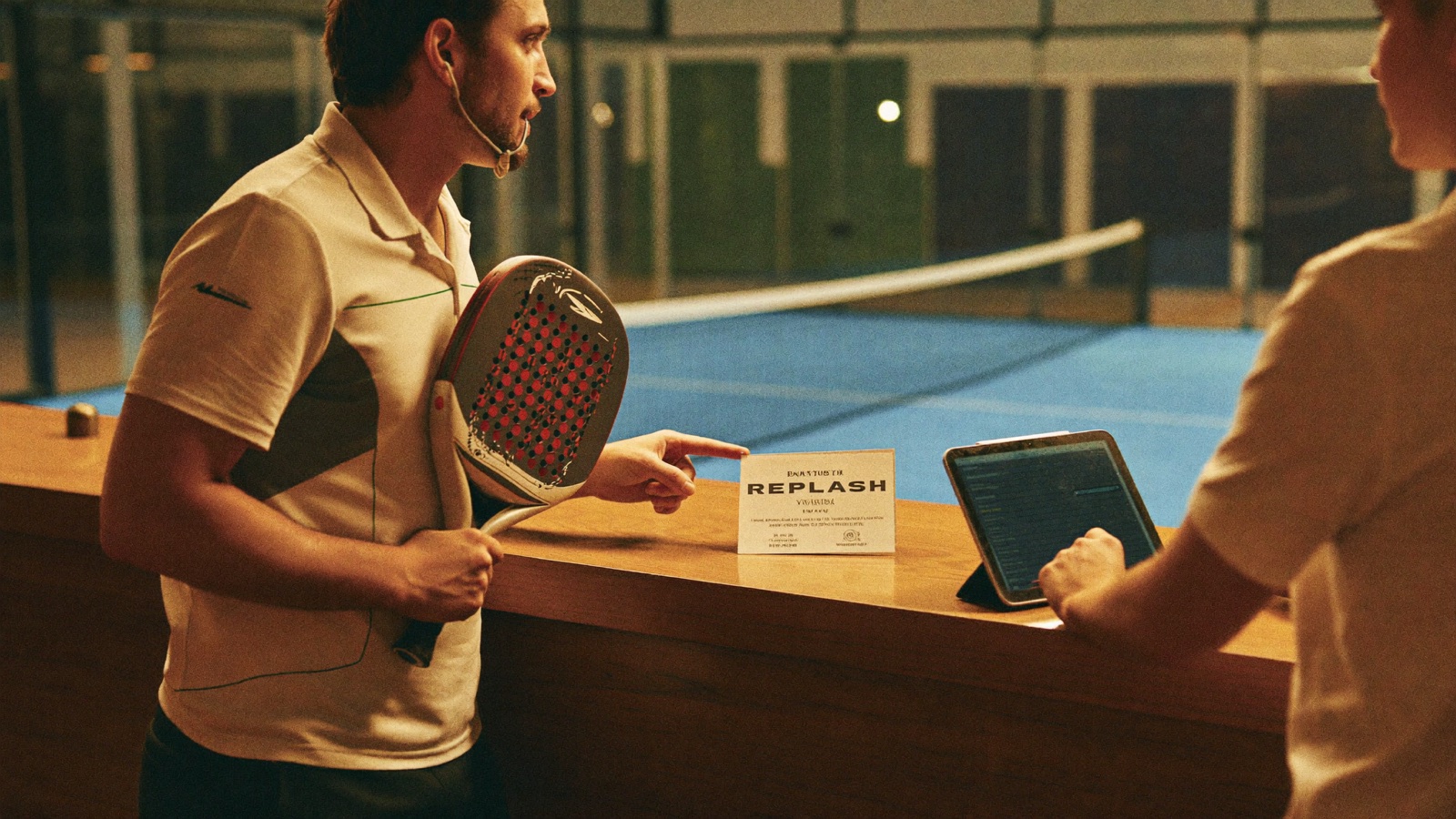
Match is Booked & Played
Players book a court normally and play. Nothing changes in the player experience on the pitch. REPLASH runs silently in the background — and most teams walk up to the facility reception and ask to add the match video before the match even starts.
Marco books his slot. When he arrives at the venue, he walks up to reception and says 'I'd like to add the match video' — the receptionist adds +Match Video to the booking. Marco sees REPLASH signage at the entrance (GDPR-compliant) and plays knowing the video is already on the way.
REPLASH Records Automatically
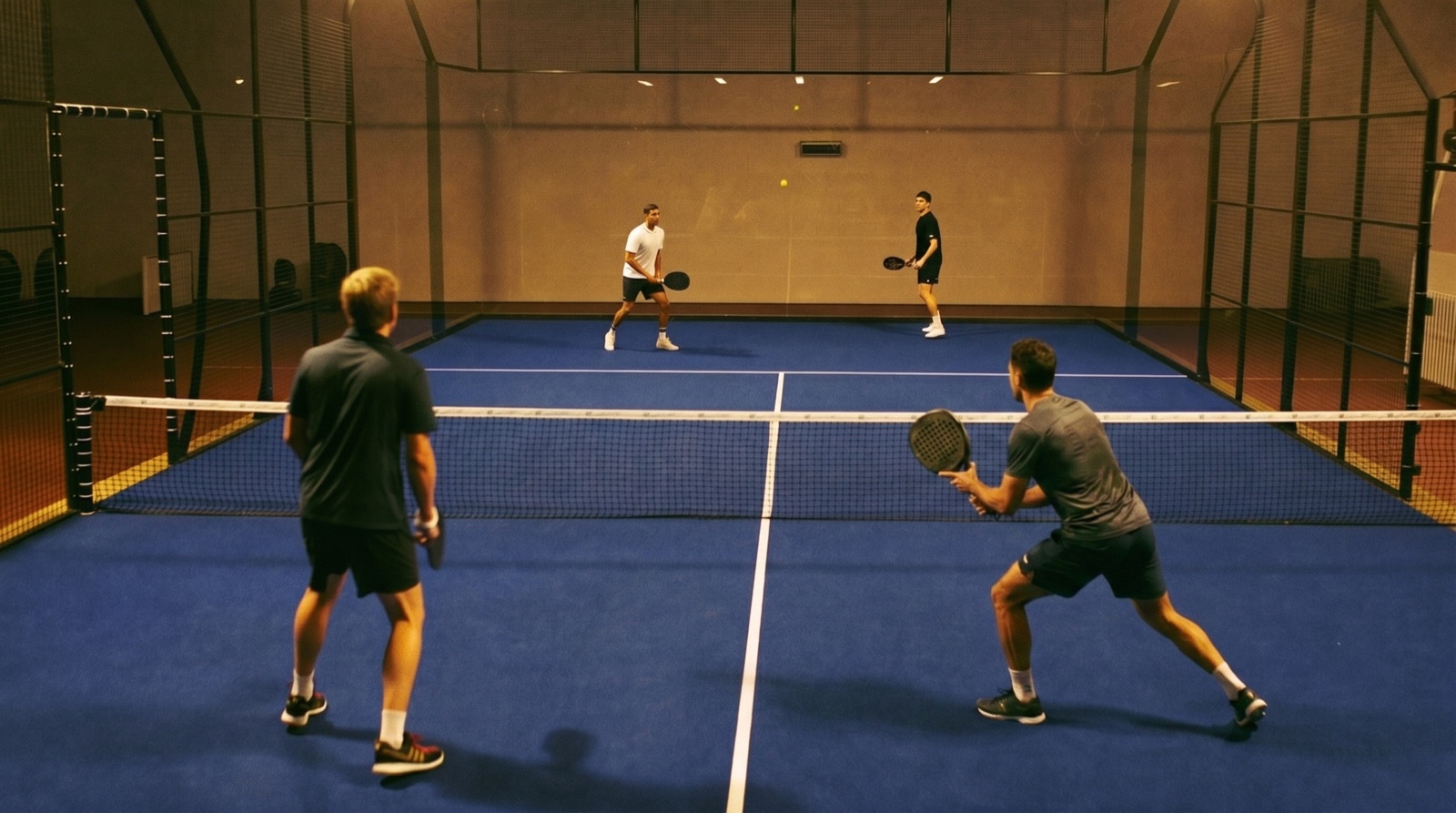
Fixed PoE cameras installed at the venue capture the entire match from start to finish — no buttons, no manual control, no staff intervention.
While Marco and his friends play, PoE cameras silently record the match. The court keeper does nothing — no setup, no start/stop. The recording is held in a temporary buffer until the sale is confirmed.
Match is Organised by Time Slot
Each recording is automatically tagged by venue, date, and time slot — making it discoverable through the Find Your Match flow.
The system records Marco's match as: Milano Padel Club · Tuesday 14 May 2026 · 19:00–20:00. This precise tag is the only way the match can be found later.
Staff Activates on Sale
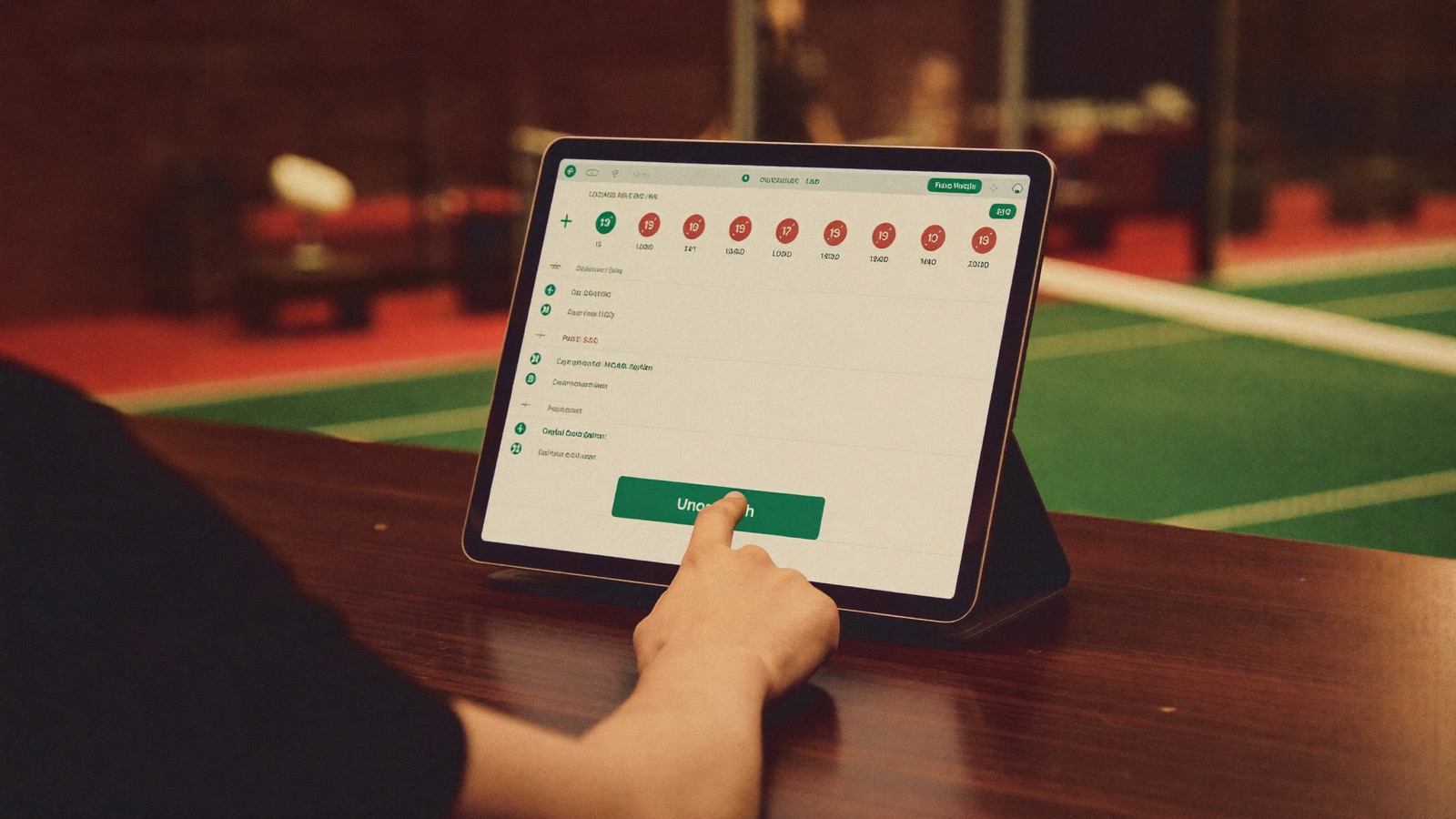
When a player has purchased video access, facility staff opens the REPLASH admin panel, finds the right match in the day's list and unlocks it. The match status flips from LOCKED to UNLOCKABLE — that's the only recurring action required.
At reception the receptionist opens the REPLASH panel, finds today's 19:00–20:00 slot in the match list, reviews the time slot, player count and amount, and unlocks it. The match status flips to UNLOCKABLE and access is immediately ready for Marco's team.
Player Finds the Match
Players visit replash.com, enter the three fields (facility, date, time slot), and watch in under 30 seconds.
Marco visits replash.com on his phone. He picks Milano Padel Club, today's date, and 19:00–20:00. The system checks all 4 conditions match — and his match plays on his phone instantly.
Watch, Clip, Share
Players watch the full match, cut 10–45 second highlights with the built-in clip cutter, download them, and share them on social media — under their own identity.
Marco watches the goal at minute 17, clips a 20-second highlight, downloads it, and shares it on his social media. His friends see it. The cycle begins again.